 FarsiVid Latest Tech News & Tutorials








Discover how AI-driven cybersecurity 2026 is reshaping defense with autonomous SOCs, predictive intelligence, and the escalating arms race against offensive AI.
Read More »



-

An image showing an Android phone with the Settings app open and a finger tapping on the "Build Number" section.
Read More » -
-

Gmail logo on a blue background. Changing your Gmail password is an important step to ensure the security of your account
Read More » -

-
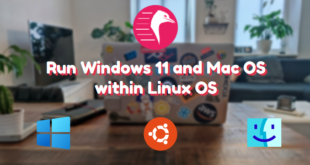
With Quickemu Run Windows 11 and macOS within a Linux OS!
Read More » -

-

-

-
With Quickemu Run Windows 11 and macOS within a Linux OS!
Read More » -

-

Learn how to play classic games on Linux with RetroArch, a free and open-source frontend for emulators, game engines, and video games. This versatile platform allows you to play games on various systems such as Arcade, Atari, Commodore, DOS, GBA, PSP, and more, all in one window. Installing RetroArch is straightforward and can be done through your system package manager or the universal Flatpak package. Once installed, you can easily download and install the cores and content required to play your desired games. Simply navigate to the “Main Menu” and select “Online Updater” to get started. RetroArch also offers various options to customize your gaming experience, including controller profiles, cheats, database, overlays, GLSL shaders, and more. Get ready to take a nostalgic trip down memory lane with RetroArch on Linux.
Read More » -

-

-
Gmail logo on a blue background. Changing your Gmail password is an important step to ensure the security of your account
Read More » -

-
-
-
-
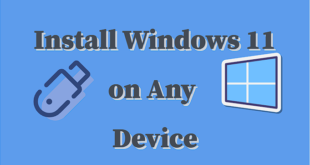
Learn how to install Windows 11 on any device by following these simple steps.
Read More » -
-
-
-