• Install RetroArch for Classic Games on Linux.

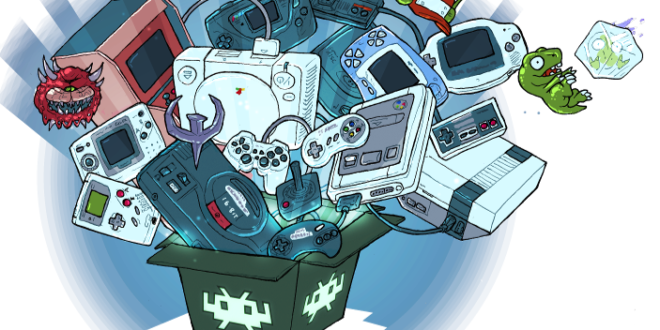
    Install RetroArch for Classic Games on Linux.

    Learn how to play classic games on Linux with RetroArch, a free and open-source frontend for emulators, game engines, and video games. This versatile platform allows you to play games on various systems such as Arcade, Atari, Commodore, DOS, GBA, PSP, and more, all in one window. Installing RetroArch is straightforward and can be done through your system package manager or the universal Flatpak package. Once installed, you can easily download and install the cores and content required to play your desired games. Simply navigate to the “Main Menu” and select “Online Updater” to get started. RetroArch also offers various options to customize your gaming experience, including controller profiles, cheats, database, overlays, GLSL shaders, and more. Get ready to take a nostalgic trip down memory lane with RetroArch on Linux.

    Read More »
  • What's GPU Thermal Throttling and is it harmful?

    What’s GPU Thermal Throttling and is it harmful?

  • AI Art and Image Generator Websites!

Recent Posts

Ninite – Install Multiple Apps at once

FREE MONEY | FREE MONEY ONLINE | GET FREE MONEY NOW | Telegram: @seo7878 H2JpP↑↑↑Hack Tutorial PORNO SEO backlinks, Black Hat SEO, Google SEO fast ranking ↑↑↑ Telegram: @seo7878 ZYHIn↑↑↑Black Hat SEO backlinks, focusing on Black Hat SEO, Google SEO fast ranking ↑↑↑ Telegram: @seo7878 Rdmc0↑↑↑Black Hat SEO backlinks, focusing …

Read More »